

If you work for an employer on Lexpoint
If your employer uses Lexpoint — Workforce, they can invite you to connect your account to their
organization. You accept in your own account, the employer sees a fixed, narrow set of facts,
and everything you do afterwards happens at my.lexpoint.io/app. Your immigration profile, your
ImmiReport, your documents, and any case you have are not part of the connection.
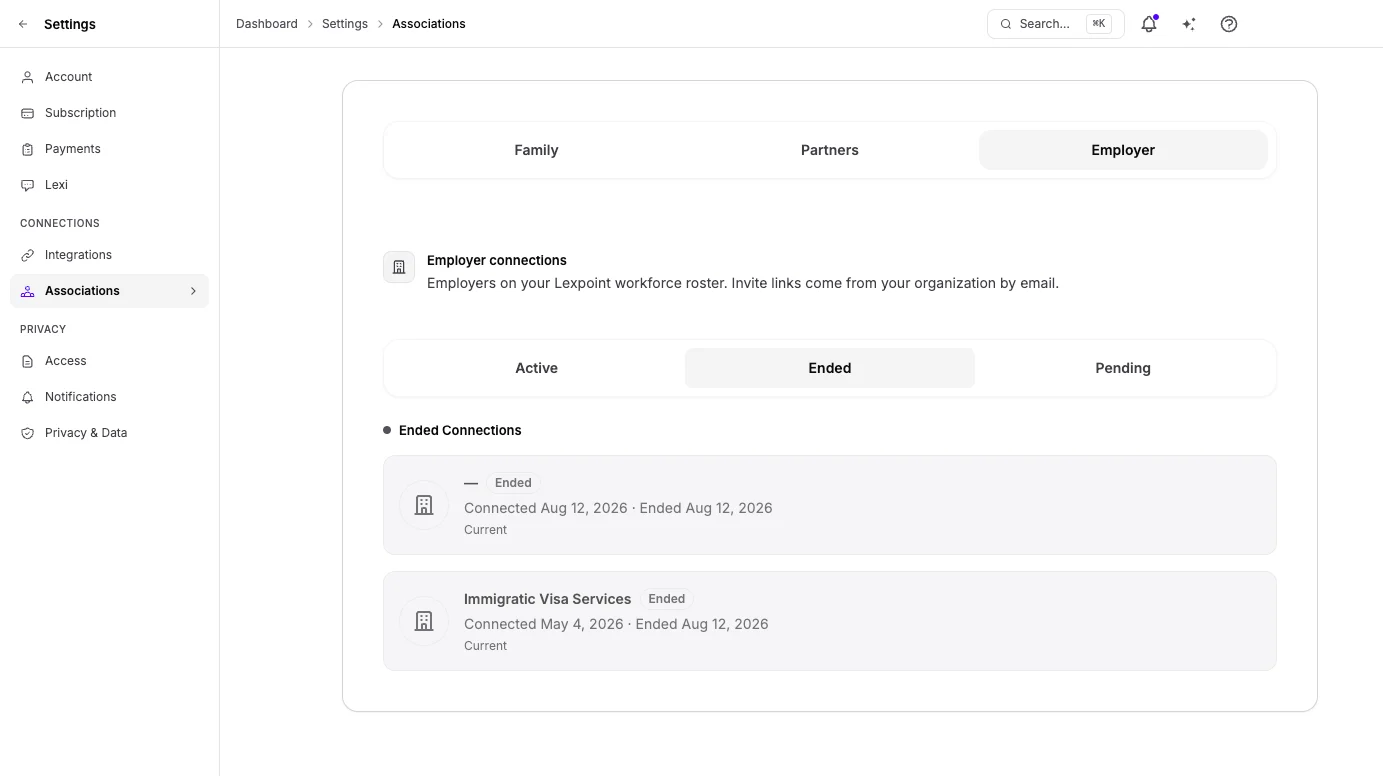
Workforce appears in the sidebar once your account has an employer connection. It has four pages: Overview, Employers, Letters, and Time away. Connections themselves — accepting a pending invitation or ending a connection — are managed at Settings → Associations → Employer (Active, Ended, Pending).
The Workforce overview
Section titled “The Workforce overview”Workforce opens on Your employment.
| Section | What it shows |
|---|---|
| Needs you | Items waiting on you: confirming your identity before you can request a letter, reconnecting a connection made under an older consent, a letter that is with your employer or an RCIC, and confirmed jobs you can add to your work history |
| Employers | Each active connection, with your current job title, the date you connected, and its sharing chips. Manage sharing → opens Settings → Associations |
| Letters | How many letter requests are open and how many are issued |
| Time away | Regular-benefit days you have left this year, and your employer’s yearly policy when one is on file |
| Current terms | The terms your employer has confirmed for the job you hold today — title, start date, schedule, pay, and worksite. All periods → opens that employer’s page |
Screenshot coming soonWorkforce → Your employment, with Needs you, Employers, the Letters and Time away counts, and Current terms.
In this section
Section titled “In this section”Accepting a workforce invitationWhat the invitation is, what accepting does, and the emails around it.What your employer can seeEvery fact a connected employer can read, and who at the employer sees it.Your employment recordYour employer's record of your job, and copying a confirmed job to your work history.Requesting an employment letterAsking a connected employer for an employment confirmation or an immigration-purpose letter.Time awayRequesting vacation, sick days, or other time away, and how confirmed breaks appear on letters.Leaving an employerEnding a connection yourself, and what changes when it ends.